Tagalong
Your FaceTime window, wherever your mouse goes.
Free · macOS Sonoma or later · Apple silicon and Intel
How it works
Press. Move. Press.
Keep a call right next to whatever you're working on, without dragging the window around by its title bar.
Press your trigger
The window grabs onto your cursor, keeping its distance so nothing jumps.
Move your mouse
The window glides along with it, across the screen or onto another display.
Press it again
The window lets go and stays exactly where you left it.
Your trigger
Any button.
Any shortcut.
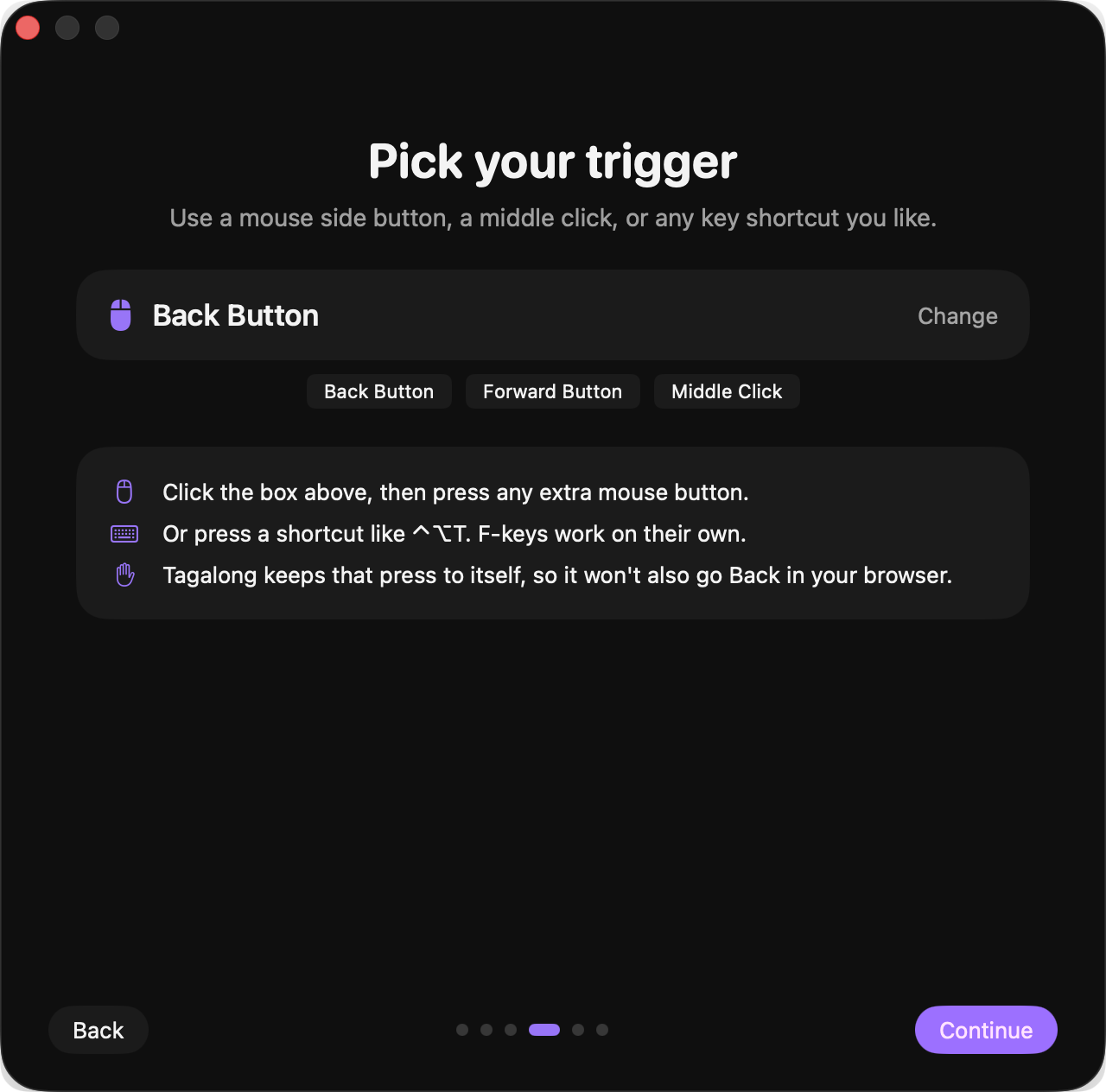
Use your mouse's back or forward button, a middle click, or a keyboard shortcut you record yourself. Tagalong keeps that press to itself, so your browser won't go back by accident.
Setup
Ready in a minute.
The first time you open Tagalong, a short guide shows you how it works and walks you through everything.
- Allow Accessibility. macOS asks before any app can see your mouse or move windows.
- Pick your trigger. Press the button or shortcut you want to use.
- Choose the app. FaceTime by default, or any other open app.
First launch: right-click Tagalong and choose Open, since it isn't from the App Store. If macOS still won't open it, run xattr -dr com.apple.quarantine /Applications/Tagalong.app in Terminal.
Free for everyone.
If Tagalong makes your calls a little easier, a coffee keeps the next small app coming.